


Choosing the right hosting solution is one of the most important decisions I make when building or managing a website. Hosting directly affects how fast a website loads, how often it stays online, how secure user data is, and how well the site can grow over time.
Yet, many website owners underestimate its impact until they experience slow speeds, downtime, or unexpected costs.
Today, the debate around web hosting vs cloud hosting is more relevant than ever. Traditional web hosting remains popular for its simplicity and affordability, while cloud hosting has emerged as a modern alternative focused on performance and scalability.
In this guide, I break down both options by covering:
- Performance and reliability
- Cost and scalability
- Security and growth potential
By the end, you’ll have a clear answer to the question: web hosting vs cloud hosting – which is better for your website?
What Is Web Hosting and How Does It Work?

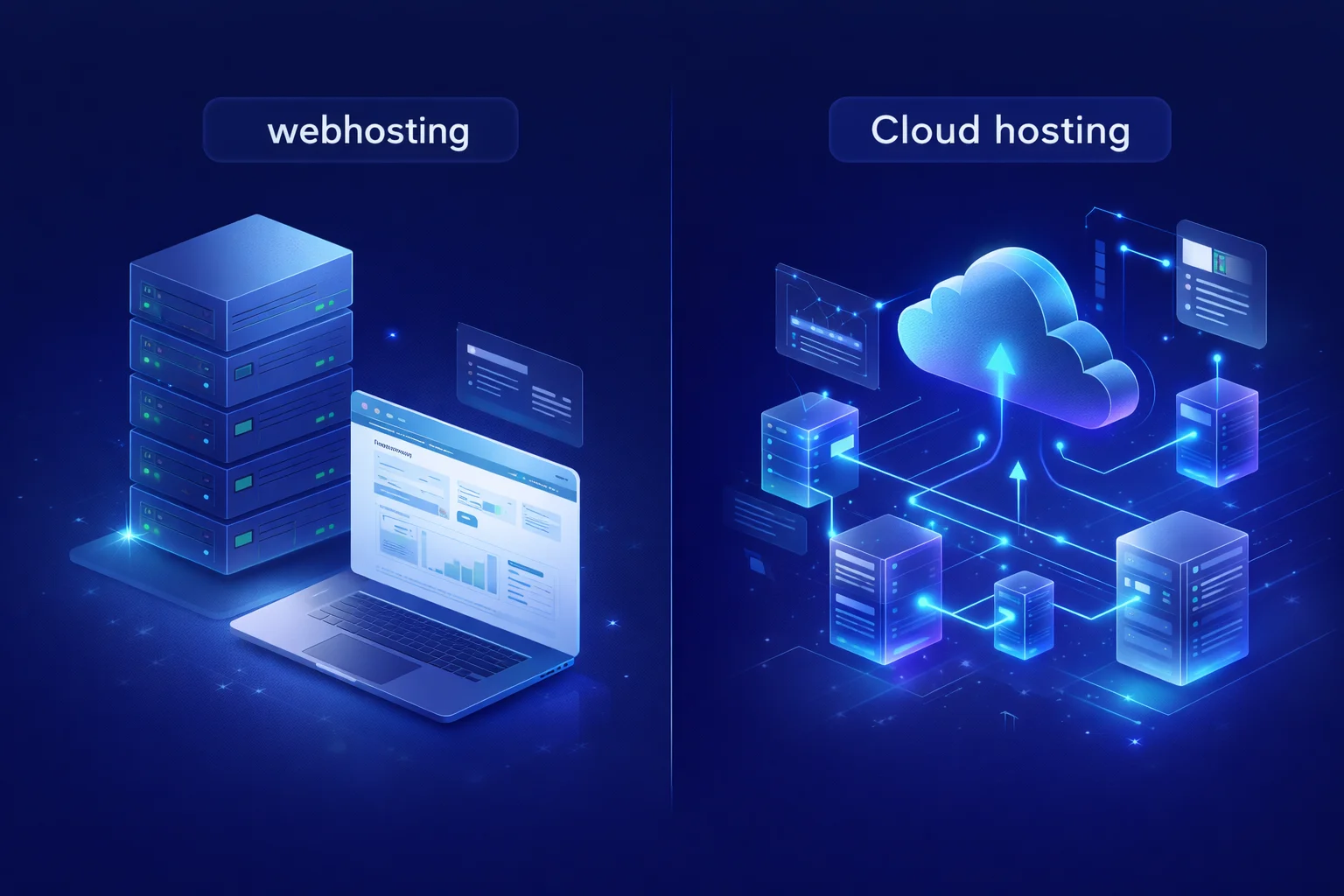
Web hosting is the traditional method of storing and serving a website’s data. When you use a web hosting service, your website is hosted on a single physical server located in a data centre.
This server stores your site’s files, databases, and code, and delivers them to visitors when they type in your domain name.
Three Primary Types of Web Hosting
- Shared Hosting: Your website shares server resources (CPU, RAM, bandwidth) with other websites. It’s affordable but offers limited performance and security.
- Virtual Private Server (VPS) Hosting: You still share a physical server, but get a dedicated slice of it with isolated resources. More secure and powerful than shared hosting.
- Dedicated Hosting: You lease an entire physical server. This gives full control but requires technical knowledge and is typically more expensive.
Web hosting is simple and effective, especially for smaller, static sites or personal blogs. However, as web applications become more resource-heavy and traffic patterns more unpredictable, traditional hosting starts to show its limits.
How Cloud Hosting Is Different from Web Hosting?

Cloud hosting flips the traditional model on its head. Instead of relying on a single server, cloud hosting uses a network of interconnected virtual servers (the “cloud”) to host your website.
How does it work?
Your site’s data is spread across multiple virtual servers, often located in different geographical areas. If one server fails or gets overloaded, another one takes over instantly. This not only boosts reliability but also enables seamless scaling during traffic surges.
Key Features of Cloud Hosting
- Scalability: Resources like RAM, CPU, and storage can be adjusted on demand.
- Redundancy: Built-in failovers prevent downtime.
- Usage-based Billing: You only pay for what you use, much like a utility bill.
- Improved Performance: Load is distributed across servers, improving speed and responsiveness.
This makes cloud hosting an ideal choice for growing websites, businesses with global traffic, and applications needing high availability.
Web Hosting vs Cloud Hosting: A Quick Comparison Table
This table summarises the fundamental differences between the two hosting models:
| Feature | Web Hosting | Cloud Hosting |
|---|---|---|
| Infrastructure | Single physical server | Multiple virtual servers across locations |
| Scalability | Limited; requires plan upgrade | High; on-demand resource scaling |
| Performance | Can slow down under load | Fast and consistent; load-balanced |
| Uptime | Dependent on one server | High uptime via redundancy |
| Cost | Fixed monthly/annual fee | Pay-as-you-go based on actual usage |
| Security | Basic to moderate | Advanced; includes redundancy and backups |
| Management | Easier for beginners | More complex unless managed cloud is chosen |
| Best for | Small websites, blogs, portfolios | E-commerce, SaaS, enterprise, growing platforms |
How Does Performance Compare Between Web Hosting and Cloud Hosting?

Performance is at the heart of any successful website. It affects everything, from user engagement and bounce rate to search engine rankings. I’ve worked on websites where poor performance led to lost conversions, and I’ve also seen how switching to the right hosting dramatically improves load times.
Web Hosting Performance
With web hosting, especially shared hosting, performance is tied directly to the limitations of a single server. Imagine dozens, sometimes hundreds of websites sharing the same server resources (CPU, RAM, bandwidth). If one site experiences a traffic spike or uses more processing power, the others can suffer from lag, slow load times, or even brief downtime.
This is a common issue for businesses using low-cost shared hosting plans. VPS or dedicated servers are better, but still constrained by a physical machine’s finite resources.
Cloud Hosting Performance
In contrast, cloud hosting distributes your website’s load across multiple virtual servers using advanced load-balancing techniques. This means if traffic surges, more resources can be allocated from other servers in real time.
Cloud environments are built to scale performance, so users always get the fastest response time regardless of spikes or location.
Performance Comparison Table:
| Feature | Web Hosting | Cloud Hosting |
|---|---|---|
| Infrastructure | Single physical server | Multiple virtual servers across the cloud |
| Load Handling | Affected by other users’ activity | Balanced across multiple nodes |
| Traffic Spikes | Can cause site to crash or slow down | Automatically scales resources to handle load |
| Speed | Inconsistent during peak usage | Fast and stable across all traffic levels |
| Performance Tools | Limited optimisation tools | Advanced tools for caching, CDN, and monitoring |
| Use Case | Personal sites, blogs, low-traffic businesses | Growing businesses, high-performance applications |
Verdict
In my experience, cloud hosting consistently delivers faster and more reliable performance than traditional web hosting. It handles traffic spikes with ease, thanks to load balancing and scalable infrastructure. If performance matters to your business, which it should, cloud hosting is the clear winner.
Which Hosting Option Offers Better Scalability for My Website?

Scalability refers to how easily your hosting environment can grow with your website. As your traffic, content, and user base expand, your hosting needs will change, and your chosen platform must be able to adapt without causing disruption or unexpected costs.
Web Hosting Scalability
Traditional web hosting is not inherently scalable. When your site outgrows your current hosting plan, you usually need to upgrade manually, for example, moving from shared to VPS hosting, or from VPS to a dedicated server.
This process often involves:
- Migrating files and databases
- Updating DNS settings
- Downtime during the transition
- Potential compatibility issues
In shared environments, you may even be forced to upgrade due to “resource limits” being hit, something that’s more about protecting other users than helping you grow.
Cloud Hosting Scalability
Cloud hosting is built for dynamic scaling. Whether you need to handle a short burst in traffic (e.g., after a marketing campaign) or support long-term growth, cloud platforms let you scale resources up or down in real-time.
Many cloud providers also offer auto-scaling, which monitors server usage and adjusts CPU, memory, or bandwidth allocation based on live demand, no manual work required.
This means your site remains stable and responsive no matter how much it grows. It’s a game-changer for e-commerce, SaaS products, and media-rich platforms.
Scalability Comparison Table: Web Hosting vs Cloud Hosting
| Feature | Web Hosting | Cloud Hosting |
|---|---|---|
| Scalability Type | Manual – upgrade plan or migrate to a new server | Automatic or manual – resources scale instantly |
| Ease of Scaling | Requires downtime and/or support assistance | Seamless, with real-time adjustments |
| Custom Resource Allocation | Limited to available hosting tiers | Highly customisable – add CPU, RAM, storage as needed |
| Auto-Scaling Capabilities | Not available on most plans | Available on many cloud platforms |
| Cost Efficiency During Growth | May result in overpaying for unused resources | Pay for exactly what you use – flexible billing |
| Best Suited For | Static or low-growth sites | Dynamic, growing businesses or unpredictable traffic loads |
Verdict
When it comes to growth, cloud hosting gives me the flexibility I need without the stress of migrating or upgrading manually. It scales in real time and adjusts to traffic automatically, which is a huge benefit for businesses expecting to expand. For me, it’s the best option if you want room to grow.
What About Security – Is One Hosting Type Safer Than the Other?

When handling client data, payment details, or even sensitive internal files, security is non-negotiable. I always factor in security when recommending hosting, and I’ve seen both strengths and limitations in web and cloud setups.
Web Hosting Security
On shared hosting, your website’s safety depends on your neighbours. If another site on the same server is compromised, your site might also be exposed. Security measures like SSL certificates, firewalls, and malware scanning are typically included, but there are limits.
- VPS and dedicated hosting offer better isolation
- But you (or your developer) are responsible for updates, firewall configuration, and server hardening
This can be a vulnerability for businesses without in-house IT support.
Cloud Hosting Security
Cloud hosting is generally more secure by design. Providers like Google Cloud, AWS, and even smaller managed services like Krystal or Cloudways offer:
- Encrypted data transfer and storage
- Redundant backups across global data centres
- DDoS protection, firewalls, and two-factor authentication
- Automatic failover and disaster recovery options
Because cloud infrastructure is decentralised, your data isn’t stored in one place; it’s mirrored and distributed, making it more resilient to attacks and failures.
Verdict
I’ve found that cloud hosting offers far stronger security features straight out of the box compared to most web hosting plans. With encrypted backups, firewalls, and high redundancy, it’s a more robust and future-proof option, especially for websites handling sensitive data or customer transactions.
Is Web Hosting or Cloud Hosting More Reliable for Uptime?

Uptime is how often your website is available and accessible. It’s one of the first metrics I check when assessing any host, because even an hour of downtime can mean lost revenue, lost trust, and missed opportunities.
Web Hosting Uptime
With traditional hosting, especially shared plans, you’re dependent on one server. If it fails due to hardware issues, maintenance, or overload, your website goes offline until it’s resolved.
Even with dedicated servers, uptime is only as good as the physical hardware and data centre reliability.
Most hosts aim for 99.9% uptime, but that still allows for nearly 9 hours of downtime per year, and that can be painful during a product launch or big promotion.
Cloud Hosting Uptime
Cloud hosting is architected for maximum uptime. Thanks to redundancy and failover systems, if one server goes down, another takes over automatically.
Most cloud platforms offer:
- Uptime guarantees of 99.99% or higher
- Live server health monitoring
- Automated resource balancing
This makes cloud hosting ideal for mission-critical websites, like eCommerce stores, SaaS applications, or news platforms, where reliability is non-negotiable.
Verdict
For uptime and service consistency, I trust cloud hosting more than traditional setups. It’s reassuring to know that if one server goes down, another takes over without any impact. That level of redundancy gives me confidence that my websites will stay online when it matters most.
Which Hosting Is More Cost-Effective in the Long Run?

Cost is always a factor. But when clients ask me:
“Which one is cheaper?”, I often reply: “It depends on how you use it.”
Web Hosting Costs
Traditional web hosting is affordable. Shared hosting plans often start at £3-£5/month, and even VPS options remain under £30/month for many sites. This fixed pricing makes budgeting predictable.
However, you might end up:
- Paying for resources you don’t use
- Needing to upgrade too soon if traffic increases
- Dealing with hidden costs for backups, SSL, or support
For static or low-traffic websites, it’s cost-effective. But as your needs grow, these fixed tiers can become restrictive.
Cloud Hosting Costs
Cloud hosting follows a pay-as-you-go model. You only pay for what you use: bandwidth, CPU, RAM, and storage.
This is great for:
- Sites with variable traffic (e.g. seasonal spikes)
- Businesses scaling fast
- Those who want to avoid overpaying
Here’s what you need to consider:
- Entry costs can be higher (£10-£20/month minimum)
- Bills fluctuate monthly based on usage
- Misconfiguration can lead to unexpected spikes
That said, when properly configured, cloud hosting often becomes more cost-efficient in the long term, especially for growing or resource-intensive websites.
Verdict
While web hosting is more affordable at first, I find cloud hosting becomes more cost-efficient over time. You only pay for what you use, and you avoid overpaying for unused capacity. It’s a smarter investment, especially for websites that grow or face variable traffic.
Do You Need Technical Knowledge to Manage Cloud Hosting?

This is one of the most common concerns I hear, and rightly so. Choosing a hosting solution you can actually manage matters just as much as cost or performance.
Web Hosting Simplicity
Web hosting, particularly shared or managed VPS plans, is designed to be as easy as possible. With tools like:
- cPanel or Plesk
- One-click WordPress installs
- Email and DNS management
- Auto backups
Anyone can get a site up and running without touching code. It’s perfect for non-technical users or small businesses without IT support.
Cloud Hosting Complexity
Unmanaged cloud platforms like AWS or DigitalOcean can be daunting. You may need to:
- Set up virtual machines
- Install web servers (Apache, NGINX)
- Manage databases and firewalls
- Monitor performance and apply patches
But that’s where managed cloud hosting changes the game.
Providers like:
- Cloudways
- SiteGround Cloud
- Krystal Cloud
… offer full server management, backups, support, and dashboards similar to cPanel.
Verdict: Ease of Use
For simplicity, web hosting is easier for beginners, but I prefer managed cloud hosting because it offers the best of both worlds: high performance without the technical burden. Even with minimal technical skills, I’ve found cloud hosting manageable and worth the upgrade.
What Type of Website Should Use Web Hosting?

Web hosting is still highly relevant, particularly for websites that are small, low-maintenance, and don’t experience major traffic fluctuations. From my own experience, here are the types of websites that suit traditional hosting:
Ideal Scenarios for Web Hosting
- Personal blogs or hobby websites with minimal visitors
- Static websites like business portfolios, CVs, or brochure sites
- Local business websites with fixed content and limited functionality
- Non-profit or community websites with modest budgets
Why It Works?
Web hosting is cost-effective, easy to set up, and provides predictable billing. If you’re not planning to scale aggressively or expect volatile traffic, this type of hosting serves you well.
In other words, if your site is straightforward, low-traffic, and doesn’t need a lot of backend power or storage, web hosting is more than enough.
When Should You Choose Cloud Hosting Instead?
While web hosting suits basic needs, cloud hosting excels in dynamic, performance-critical, and growth-driven scenarios.
Cloud Hosting Is Ideal For
- E-commerce websites that experience traffic spikes (like Black Friday sales)
- News portals and media-rich websites with high content demands
- Software-as-a-Service (SaaS) products that must run 24/7 with high availability
- Online learning platforms or membership-based sites with user logins and real-time access
- Agencies that host multiple websites for clients and need to manage server resources efficiently
Why Cloud Hosting Shines?
Cloud hosting adapts to your needs. Whether your website suddenly doubles in traffic, or you expand globally, your infrastructure scales with you. Plus, it gives better control over resources, enhanced security, and improved redundancy.
From a long-term perspective, cloud hosting is the future, particularly if your digital presence is a core part of your business.
What Are the Pros and Cons of Each Hosting Type?

Every hosting option has its trade-offs. Here’s a balanced summary based on what I’ve experienced and observed working with clients over the years:
Web Hosting
Pros:
- Budget-friendly and predictable monthly costs
- User-friendly with simple control panels
- Excellent for beginners and small projects
Cons:
- Limited scalability
- Performance depends on server neighbours (shared hosting)
- Higher downtime risk due to reliance on a single server
Cloud Hosting
Pros:
- On-demand scalability and customisation
- Excellent uptime through server redundancy
- Enterprise-level security features and faster load times
Cons:
- Can be more expensive if not optimised
- Requires more technical knowledge unless managed
- May lack standard tools like cPanel, depending on provider
The key is to match your hosting type with your business goals, technical ability, and future growth expectations.
Is It Possible to Switch Hosting Types Later?
Yes, and fortunately, switching from one hosting type to another is far easier today than it was in the past. Modern hosting providers have streamlined the process, making it possible to upgrade or change platforms without major disruption.
Moving from traditional web hosting to cloud hosting is usually straightforward. Many reputable providers offer free or assisted migration services, allowing your website files, databases, email accounts, and even full WordPress installations to be transferred with minimal effort. For WordPress users, migration plugins can further simplify the process by automating most of the work.
That said, preparation is still essential. It’s best to schedule migrations during off-peak hours, take full backups before starting, and update DNS settings once the transfer is complete. With proper planning, switching hosting types can be smooth and stress-free.
Final Verdict – Which One I Will Choose?
So, web hosting vs cloud hosting, which is better? Here’s my honest take after working with both for years.
If I were starting a simple website, like a personal blog, local business page, or portfolio, and wanted something budget-friendly with low maintenance, I’d go with web hosting. It gets the job done.
However, for anything remotely dynamic, growth-oriented, or business-critical, cloud hosting is the clear winner. The ability to scale, maintain uptime, handle performance spikes, and keep data secure is worth the investment.
Personally, I’ve shifted all my client websites and my own projects to managed cloud hosting. It’s not just about speed or security, it’s about being future-ready.
My advice? Start small if needed, but choose a hosting provider that lets you grow, and cloud hosting is built for that.
FAQs About Web Hosting vs Cloud Hosting
Is cloud hosting good for WordPress?
Yes, many cloud providers offer optimised environments for WordPress with caching, auto-scaling, and fast load times.
Does cloud hosting improve SEO?
Indirectly, yes. Faster load times, better uptime, and server performance help reduce bounce rates and improve rankings.
Is VPS the same as cloud hosting?
Not exactly. VPS is a virtual environment on a single server. Cloud hosting uses multiple servers for redundancy and scalability.
Can I host multiple sites with cloud hosting?
Yes, most cloud hosting plans allow multi-site management, often with isolated environments for better security.
How do I know if my site is ready for cloud hosting?
If your traffic is growing, performance is suffering, or you need global reach, cloud hosting is the next step.
Are there hybrid hosting options?
Yes, hybrid models combine dedicated and cloud resources, great for enterprise-level setups needing custom infrastructure.
Will cloud hosting help with page load speed?
Yes, thanks to distributed servers, load balancing, and caching. Sites generally load faster on cloud environments.
